Start With What You Have
Text, Images, or Video
Start from a single image, multiple images, a video, or a text description. Choose the input that best fits your available references and creative goals.
Turn text, images, or video into an explorable 3D world. Move freely through the scene, control your camera, and capture high-resolution shots from multiple angles. Bring your favorite views into Topview Canvas for further image and video creation.
01 ― Original Image
Image → 3D World
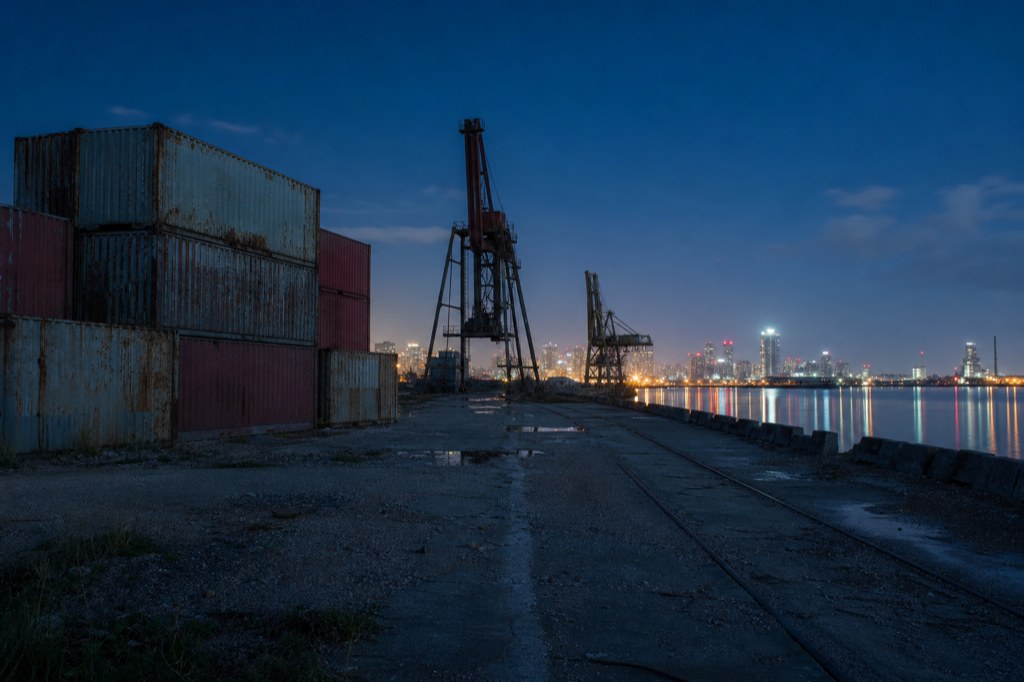
02 ― After
Move through the scene and discover new viewpoints.
An AI 3D world generator uses artificial intelligence to turn text descriptions, images, or videos into explorable spatial environments.
Unlike a static image or a fixed 360° panorama, an explorable 3D world lets you move through a scene, change your viewpoint, and capture new compositions from different camera positions.
Powered by World Labs Atlas, Topview 3D World lets you explore beyond your original reference, control a virtual camera, and capture high-resolution images for storyboards, environment concepts, creative presentations, and AI video production.
Start with the materials you already have, find the angles you need, and continue your creative workflow in Topview Canvas.
Creating a 3D environment is only the beginning. Topview connects world generation, camera exploration, image capture, and further creative production in one workflow.
Text, Images, or Video
Start from a single image, multiple images, a video, or a text description. Choose the input that best fits your available references and creative goals.
Turn a Fixed View Into an Explorable Scene
Don't stop at the perspective in your original image. Move through the environment, discover new viewpoints, and explore different compositions.
Free Camera Positioning
Move forward or backward, change camera height, rotate your viewpoint, and adjust the field of view. Use the real-time preview to refine your composition before capturing.
One Scene, Multiple Shots
Take a high-resolution image from your chosen viewpoint, then move to another position and capture again. Create a collection of shots from the same environment.
From Scene Photos to Creative Production
Review your captured images, return to previous camera positions, download your shots, or send one or multiple images directly to Topview Canvas.
AI-Powered Spatial Creation
Use Atlas-powered scene exploration and multi-reference 3D generation to develop visual ideas beyond a single fixed image.
One starting image. More ways to frame the scene.
Turn your reference into an explorable environment, move the virtual camera, and discover compositions beyond the original viewpoint. Capture wide establishing shots, close-up details, low-angle perspectives, and overhead views without starting a new scene for every image.
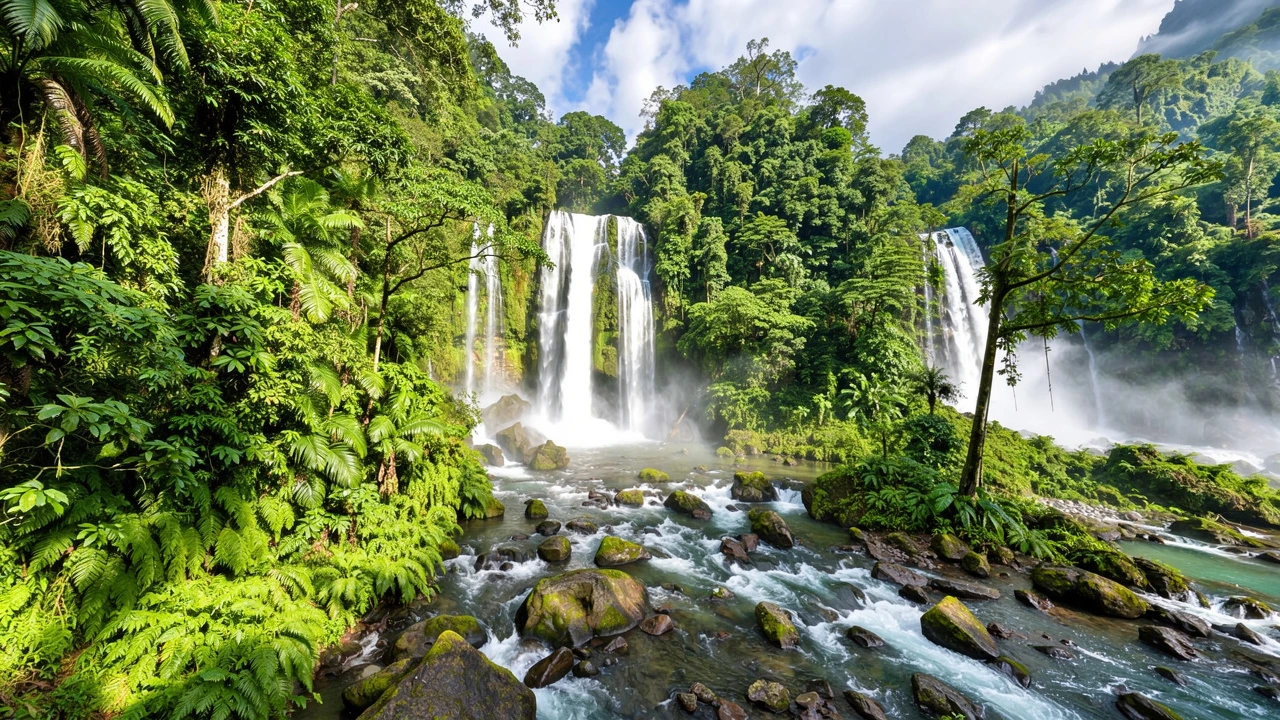
Reveal the Bigger Picture
Pull the camera back to reveal more of the environment. Show the location's scale, layout, and atmosphere in one composition.
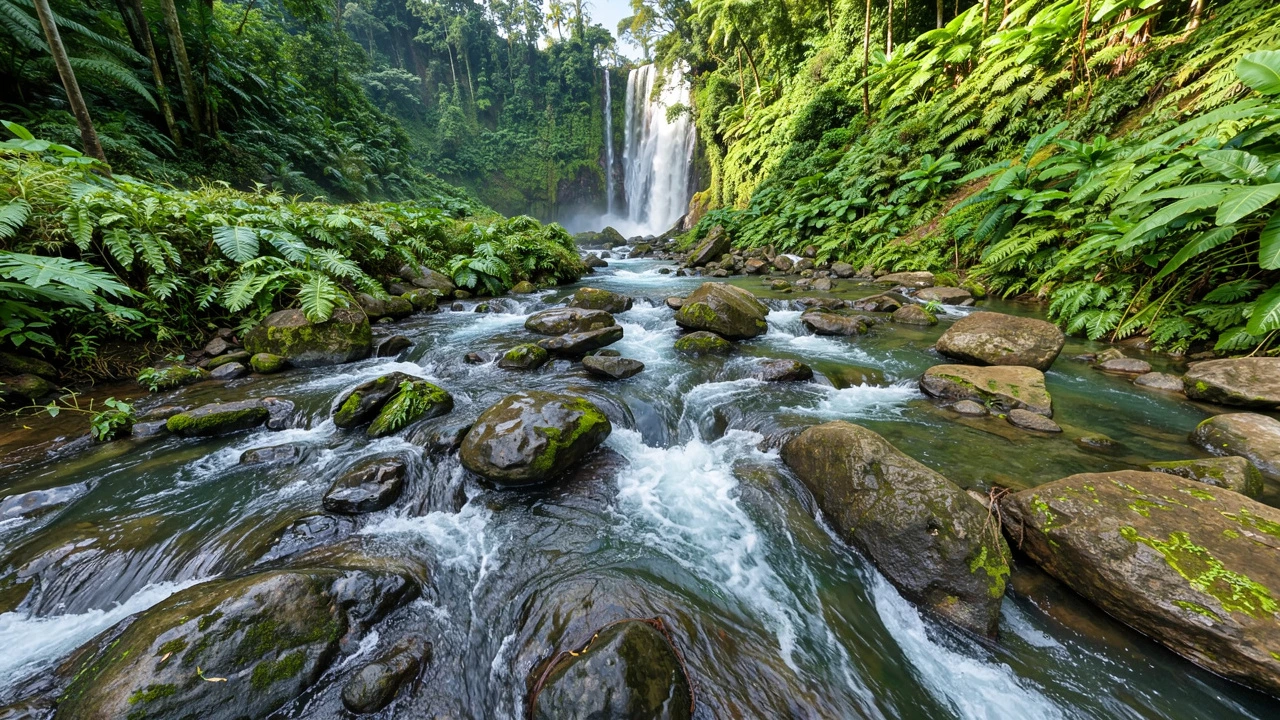
Find the Details That Matter
Move closer to an entrance, object, or architectural feature. Create tighter compositions that highlight specific parts of the scene.
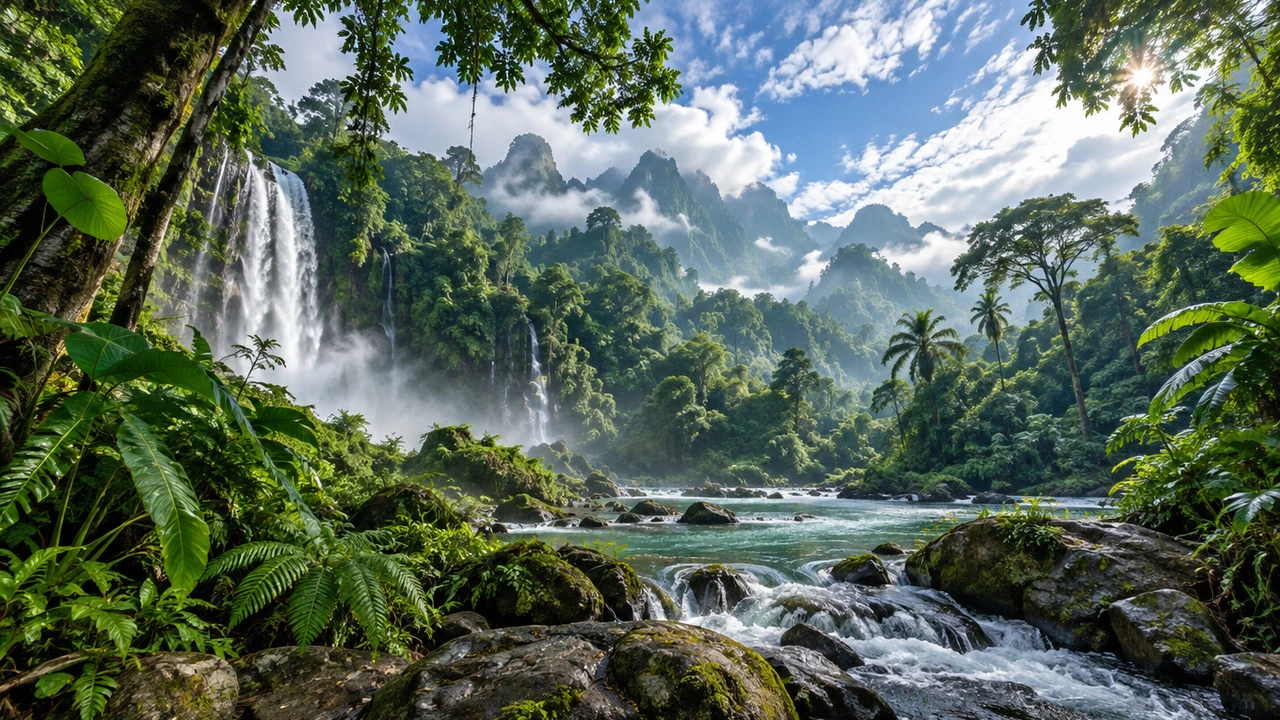
See the Scene From Below
Lower the camera and look upward. Emphasize height, architecture, and perspective with a more dramatic viewpoint.
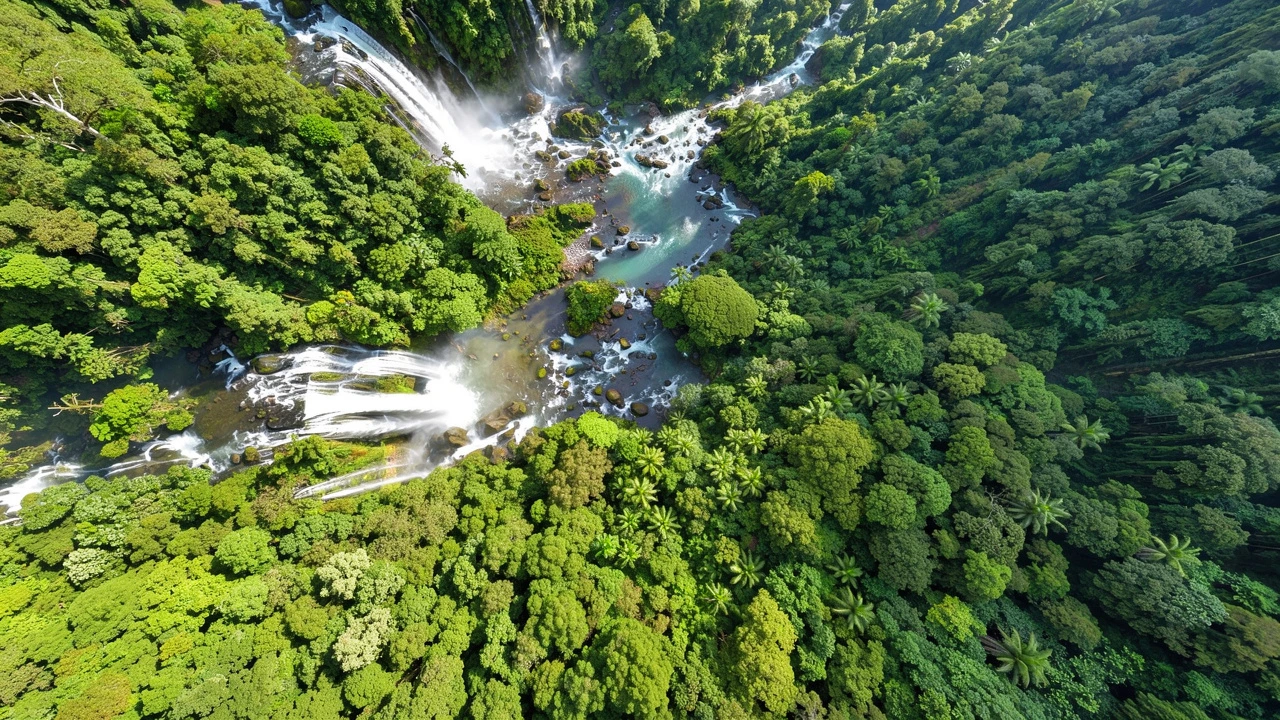
Discover a View From Above
Raise your camera and look down to explore the scene's layout from a different perspective.
Have a collection of references, a video, or just an idea? Choose how you want to begin.
Describe Your World. Start Exploring.
Start with a text prompt describing the environment you want to create.
Define the location, architecture, lighting, atmosphere, and visual style to bring an imagined space into view.
Best for: Original environments, concept development, and early creative exploration.
See more →Turn One Image Into New Perspectives
Use a photograph, concept illustration, or AI-generated image as your starting point.
Explore beyond the original frame, move your camera through the scene, and capture new compositions from different positions.
Best for: Location references, environment concepts, and multi-angle shot creation.
See more →Explore Beyond the Original Video Frame
Start with video footage as a visual reference for your environment.
Use the scene to explore new viewpoints and find still-image compositions beyond the original camera framing.
Best for: Location footage, visual references, and environment exploration.
See more →Build With More Visual Context
Use multiple reference images to show different perspectives of the same location.
For dedicated 3D scene generation, we recommend 12‒24 images, ideally covering the environment from the front, back, left, and right.
Best for: Multi-view scene reconstruction, environment development, and spatial references.
Explore Multi-Image 3DFrom your first reference to your next camera angle, explore a 3D environment and turn new viewpoints into creative assets.
Open Topview 3D World and choose an available input method. Upload multiple images, a video, or describe the environment with a text prompt.
Use World Labs Atlas to create an explorable scene from your starting material. Enter the scene and move through the environment to discover new viewpoints.
Move your camera forward or backward, adjust its height, rotate the view, or change the field of view. Check the real-time preview to find your preferred framing, then capture a high-resolution image.
Open Scene Photos to revisit captured views, download images, or send selected shots to Topview Canvas.
Your captured shots are ready for more than a quick preview. Open Scene Photos to revisit previous camera positions, organize your favorite views, and bring selected images into your next creative workflow.
Pick Up Where You Left Off
Select an existing image in Scene Photos to return to its original camera position. Refine the framing and capture another version whenever you need one.
Keep Your Creative Workflow Moving
Select one or multiple captured images and send them directly to Topview Canvas for further image or video creation.
Take Your Shots Wherever You Need Them
Download your images for storyboards, concept presentations, visual references, or other creative projects.
From exploring a 3D scene to preparing your next creative assets, keep your best camera angles within reach.
The right reference images can make a meaningful difference to your generated 3D scene. Here are five practical tips to help Atlas understand your environment and create more consistent results.
Give Atlas Enough Visual Context
For multi-reference 3D scene generation, select at least 12 images. We recommend preparing 12‒24 clear references that show different parts of the same environment.
More images are useful when they provide meaningful new information, rather than repeating nearly identical views.
Show the Scene From Different Sides
Whenever possible, include front, back, left, and right views. Use overlapping images taken from different positions to help the model understand how different parts of the environment connect.
Avoid relying only on images captured from one spot with the camera turned in different directions.
Make Sure Every Image Shows the Same Scene
Use images with reasonably consistent lighting, exposure, and environmental conditions. Avoid mixing references that show different layouts, unrelated locations, or major changes to the scene.
Consistent references make it easier for the model to interpret the environment as one connected space.
Make the Scene Easy to Understand
Choose sharp images that clearly show the environment's structure and layout. Wide and medium views are generally more useful than extreme close-ups when establishing a 3D space.
Avoid blurry images, heavily obstructed views, and scenes dominated by moving people or objects.
Balance Quality and Credit Cost
Draft ― Lower Credit Cost
Choose Draft when you want to conserve credits during scene generation.
High Quality ― Higher Quality, Higher Credit Cost
Choose High Quality when your priority is a higher-quality generated scene and you're comfortable spending more credits.
Review the displayed credit cost before generating.
A single explorable environment can support many different creative tasks, from early visual exploration to scene planning and production references.
Explore Your Concept Beyond One Image
Start with a photograph, reference image, or original concept.
Explore the environment from different viewpoints, discover new compositions, and capture visual references for creative development.
Ideal for: Concept artists, environment designers, and visual creators.
Find More Ways to Present Your Environment
Create a branded setting, showroom, or product environment.
Move the camera to find different compositions and capture references for presentations, campaigns, or future image and video creation.
Ideal for: Creative teams, marketers, and brand designers.
Explore the Scene Before Building the Sequence
Use an explorable environment to experiment with different camera positions.
Capture wide shots, closer framing, and high or low angles to prepare visual references for storyboards and shot planning.
Explore more tools and resources for AI-powered world generation, 3D environments, and camera-based visual creation.
Explore the AI Model Behind the Experience
Learn about World Labs Atlas and its approach to spatial intelligence, camera-controlled generation, and 3D reconstruction.
Explore World Labs Atlas →Plan and Compose Your Shots in 3D
Explore a dedicated 3D scene-composition workflow for planning camera positions and visual sequences.
Explore 3D Shot Composer →Learn About Explorable 3D Scene Representations
Discover how Gaussian Splatting represents spatial environments and supports viewing a scene from different camera positions.
Explore Gaussian Splat Generator →Build, Edit, and Direct Your 3D Scenes
Create and customize 3D scenes with control over character placement, object positioning, and camera movements. Plan your shots and bring your creative vision to life.
Explore 3D Builder →Find answers to common questions about AI 3D world generation, World Labs Atlas, camera controls, reference images, and Topview Canvas.
Turn your ideas and visual references into explorable 3D scenes with Topview. Move through the environment, choose your camera angle, and capture high-resolution images for your next creative project.